Customize Your Fern Experience
Learn how to adjust your chair for personalized comfort and support.
Fine-Tune Your Fit
Small adjustments can make a big difference. Explore each feature and find what works best for you.
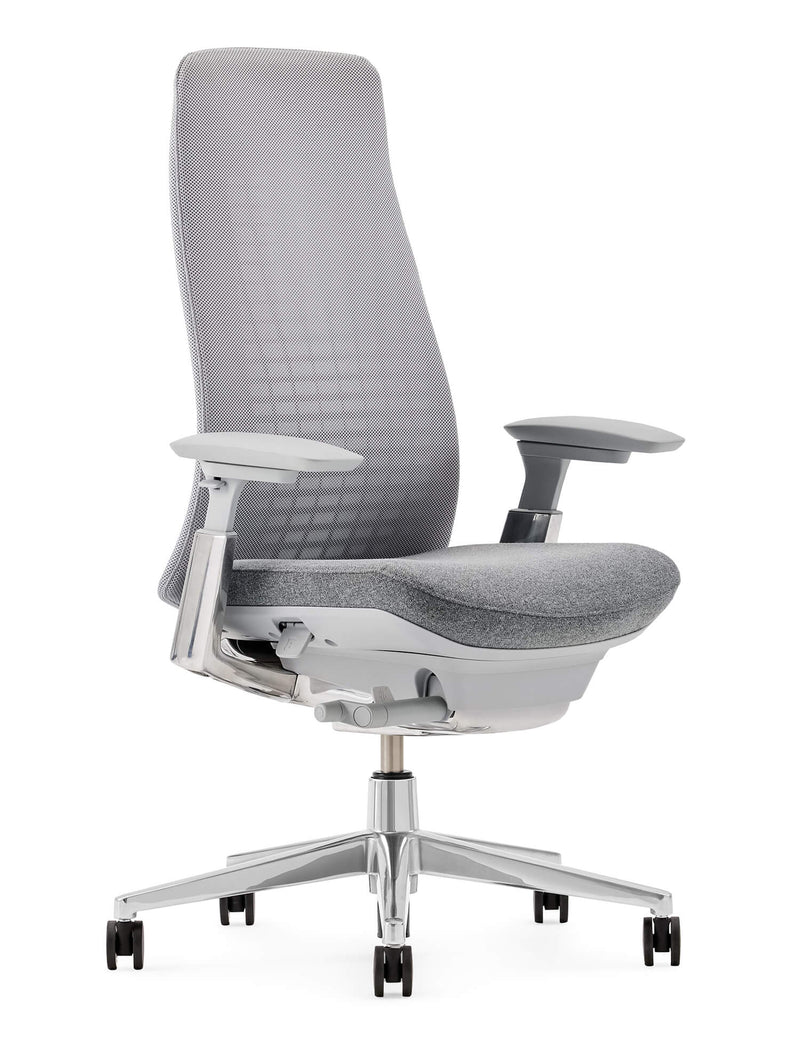
How Each Adjustment Works
Seat Height
Pull the lever on the right side of the seat to raise or lower the chair and find your ideal sitting position.
Tilt Tension
Turn the handle on the right side of the seat base clockwise for more recline resistance or counterclockwise for less.
Optional 4D Arms
Press the button beneath the arm pad to adjust arm height. Slide the arm pads side to side, front to back, or in and out for personalized support.
Optional Lumbar
Slide the optional lumbar support up or down along the chair back to adjust its position.
Optional Forward Tilt
Push down on the optional front lever on the left side of the seat while leaning forward to engage forward tilt. Pull up on the same lever while leaning back to return the seat to a neutral position.